Cursor vs. Windsurf vs. GitHub Copilot in 2026: A Pragmatic Breakdown for Developers Who’ve Used All Three
The Landscape Has Actually Changed Since Last Year
If you checked out AI coding assistants in 2024 and felt disappointed, I get it. The pitch was always bigger than the delivery. But something genuinely shifted in late 2025, and it’s worth your attention even if you’re skeptical. The three major players have diverged enough that your choice actually matters now, and it’s not just marketing noise anymore.
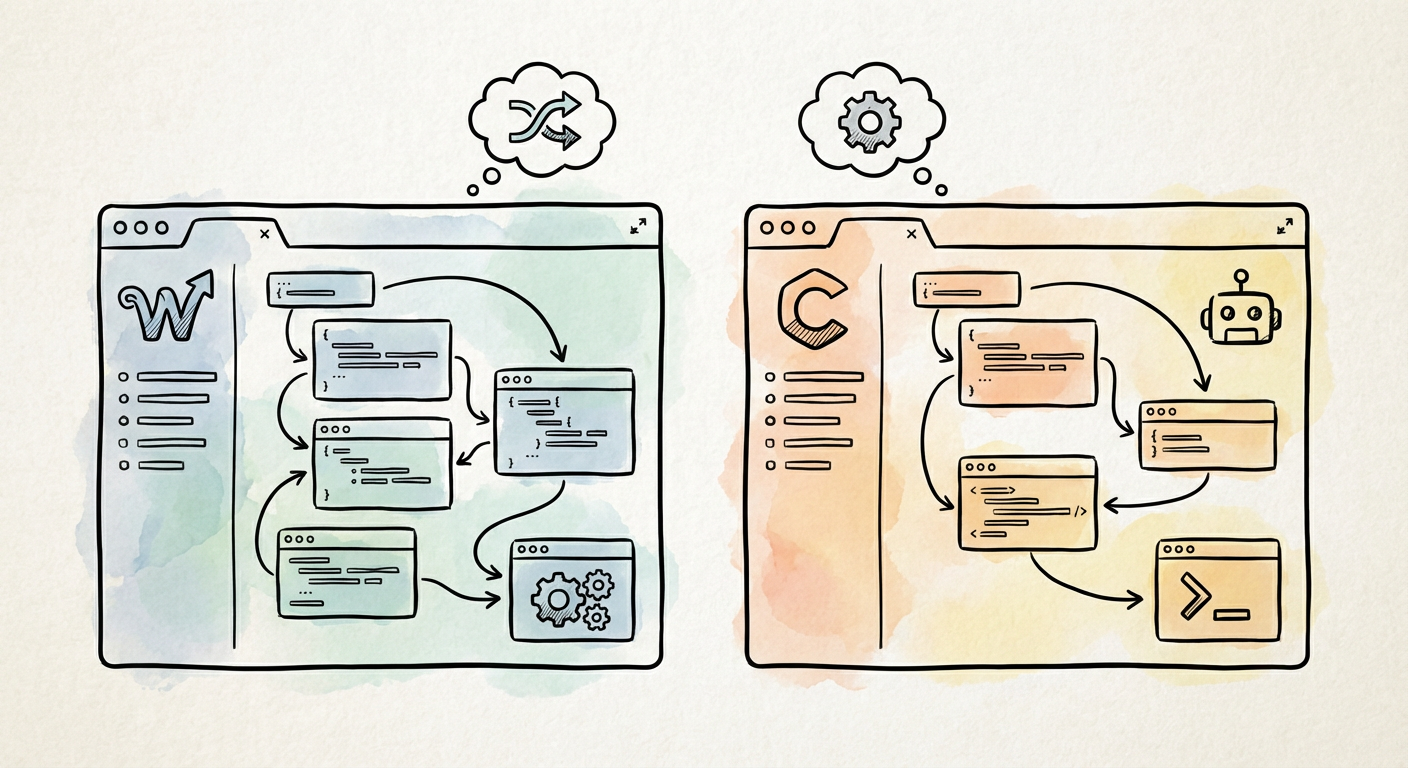
Cursor crossed into serious territory last fall when they hit 500,000 paid subscribers and landed a Series B at a $9.9 billion valuation. That growth trajectory is frankly absurd for developer tooling. GitHub Copilot, meanwhile, reached 1.8 million paid users on Microsoft’s last earnings call, with enterprise adoption jumping 55 percent year-over-year. And then there’s Windsurf, which showed up quietly in November 2024 with something genuinely novel that forced everyone else to play catch-up. The fact that we’re comparing three serious contenders instead of “GitHub Copilot and everyone else” is the real story.
Windsurf’s Cascade Changed the Game, Then Everyone Copied It
Windsurf launched with an agentic coding flow called Cascade that could actually reason across multiple files and run terminal commands autonomously. This sounds simple until you realize that most AI coding tools were still treating each file like an isolated prompt. Cascade could see your architecture, make intelligent decisions about where changes needed to happen, and execute them without asking you seventeen times if it was okay. It was the first time I felt like the tool was doing engineering, not just autocompleting.
Cursor responded by adding their own Agent mode, which accomplished something similar. GitHub Copilot followed with extensions that approximate the same capability. So now we’re in a world where all three can theoretically handle multi-file refactors. The differentiation question became less “can it do this” and more “how well does it do this, and what does it cost.” That’s actually progress.
The real limitation nobody’s talking about enough is context window size. The JetBrains State of Developer Ecosystem 2025 report found that 67 percent of developers hit context limits regularly on multi-file tasks. You can have the world’s best agentic flow, but if it can only see half your codebase, it’s making decisions in a fog. Cursor and Windsurf both handle this better than Copilot at the baseline level, but all three tools will struggle on genuinely large refactors. This is a you-have-to-test-it-yourself situation.
The Productivity Paradox That Everyone Quietly Knows About
Here’s where I’m going to say something that vendor marketing will never admit: the Stack Overflow 2025 Developer Survey AI section found that 78 percent of developers using AI coding tools reported spending more time reviewing generated code than they expected. Let that sit for a second. Nearly four in five developers are working harder to validate what the AI generated than they would have working without it in some cases.
This doesn’t mean the tools are worthless. It means the productivity claim is oversimplified. The real value proposition isn’t “code faster.” It’s “let the AI handle the boring parts so you can spend your cognitive energy on architecture and logic.” The problem is that validating AI-generated code requires exactly the cognitive energy that clever developers are trying to conserve.
What I’ve noticed in actual practice is that these tools excel at specific, bounded tasks. Cursor shines when you’re working in your primary language and the task is well-defined: write a test suite, extract a function, add error handling to an API call. Windsurf wins when you’re refactoring across a large section of codebase because Cascade can see the full context. GitHub Copilot is best when you’re embedded in an enterprise environment with Copilot Chat and you want predictable, conservative suggestions that won’t break your CI/CD pipeline. None of them are magic. All of them require you to be a good engineer first and use them as a lever, not a replacement.
Picking One Without Overthinking It
If you’re just starting with AI coding assistance, begin with GitHub Copilot. It’s integrated into every major IDE through extensions, the learning curve is flat, and the cost is predictable at the enterprise level. You’ll get a baseline understanding of what these tools can and cannot do. Spend two weeks with it. Build something small. Feel the friction points.
After that baseline, try Cursor if you spend significant time in a single project or repository. Set aside a weekend and import one of your real repositories. The fork-of-VS-Code architecture means the transition is nearly painless if you’re already on VS Code. The local codebase context awareness is legitimately better than Copilot’s. Run it through a few real refactors and see if Agent mode saves you time or creates more review work.
Windsurf is worth trying if you’re dealing with large, cross-cutting changes or if you work in a newer language where context window size becomes a bottleneck quickly. Cascade’s multi-file reasoning is still the most sophisticated of the three, even with Cursor’s Agent mode catching up. The IDE itself is solid but less familiar if you’re coming from VS Code.
The Honest Take Going Into 2026
We’re past the hype phase and into the reality phase. These tools are genuinely useful for certain types of work, and that usefulness has a real cost in terms of review overhead and learning curve. The 500,000 paid subscribers Cursor achieved and the 55 percent year-over-year enterprise growth for Copilot aren’t flukes; they reflect actual value being delivered to actual working engineers. But they’re not replacing human judgment, and anyone telling you otherwise is selling something.
Pick the one that fits your workflow and your team’s infrastructure. Try it on small tasks first. Measure whether it’s actually saving you time or just making you feel productive while you’re reviewing code. The best tool is the one that gets out of your way when you don’t need it and accelerates you when you do.
If you’ve used all three and have different conclusions based on your actual work, I’d genuinely like to hear about it. The landscape is still shifting, and shared data points from people who’ve actually done the work are more valuable than any benchmark report.

Why iCloud Keychain Needs a Better Password Manager
A Practical iCloud Storage Strategy for Small Businesses

Plastic Surgery for Your Data: Blockchain’s Astonishing Cosmic Makeover for Privacy
About Author
